Take control of how your earn. With each program, Sovrn will optimize every click to make sure you get the highest rate.
Product Data API
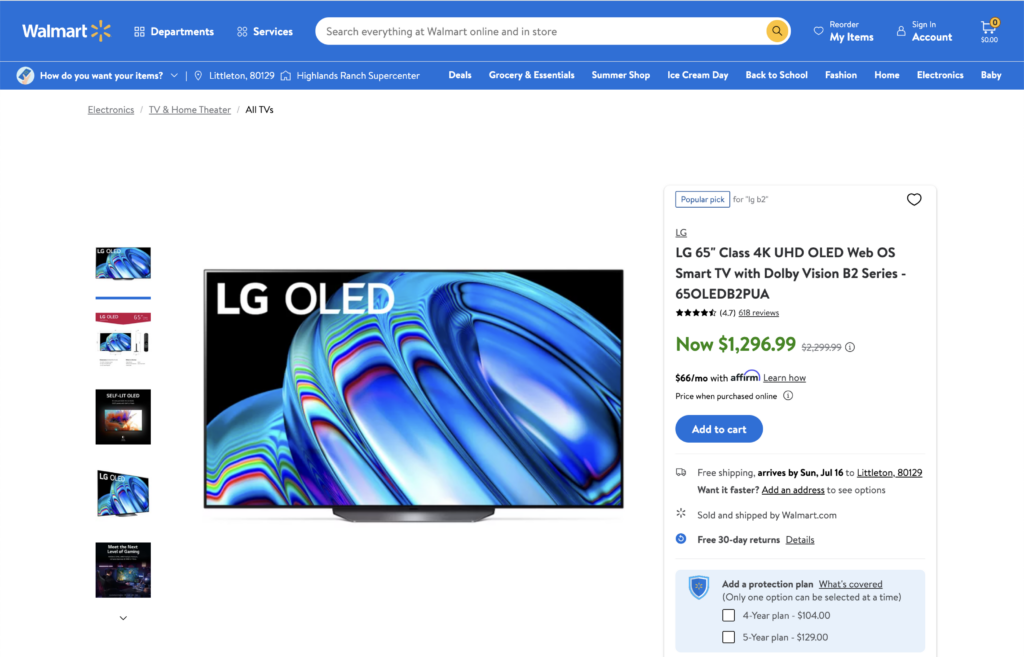
Retrieve detailed product information, find alternative merchants, update prices and flag out-of-stock products, and enable geolocation.
Access top brands and merchants
Get instant access to more than 50,000 merchants, all in one place. Find commission rates, payment methods, approved countries, affiliation status, and more. Plus, Sovrn can help negotiate exclusive rates with merchants.
Price Comparisons and Shopping Galleries, powered by our Commerce Product Data API
Price Comparisons
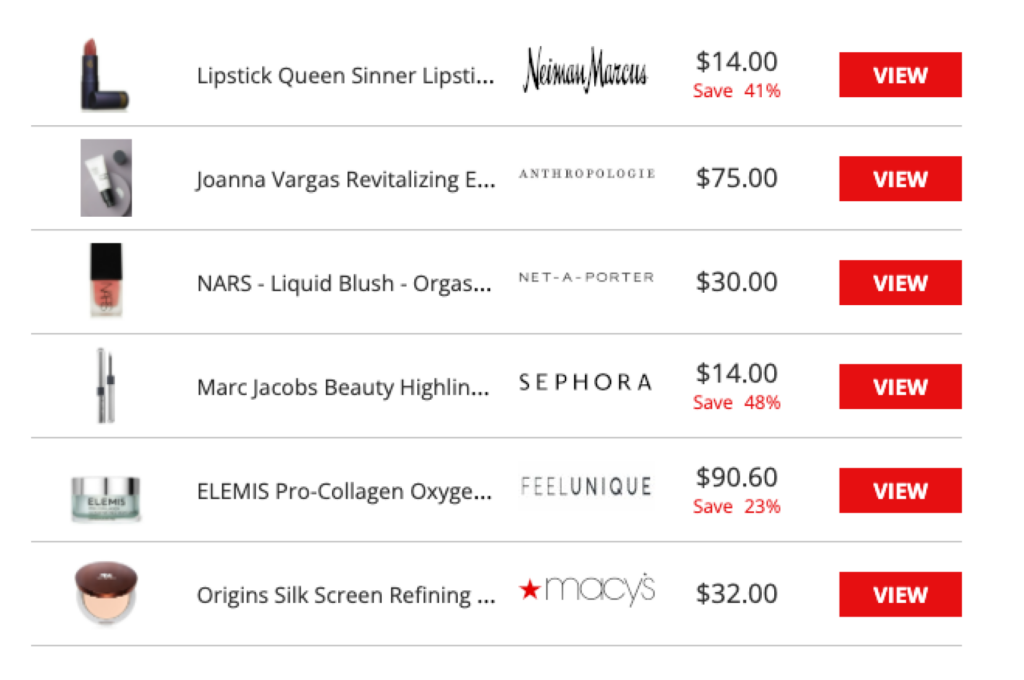
Display alternative retailers selling the same product, customize your design, automatically update out-of-stock links, and display local merchants with geo-located pricing.
Automatically update out-of-stock links
Prices are updated throughout the day so out-of-stock items are automatically removed.
Shopping Galleries
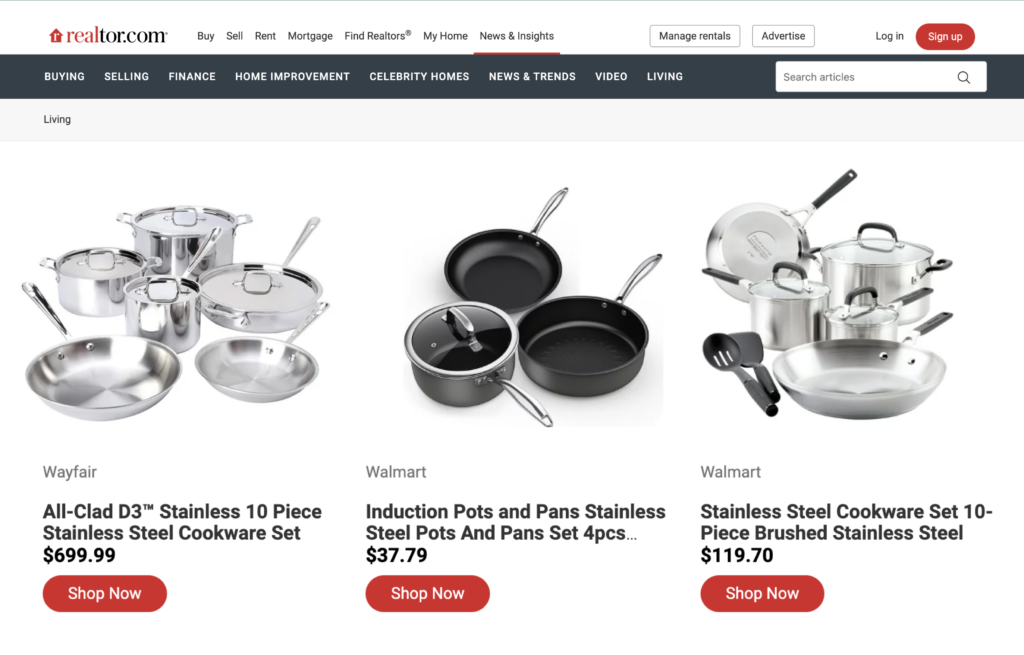
Curate a personalized carousel of products to offer readers a unique and engaging shopping experience.
Feature multiple merchants and products
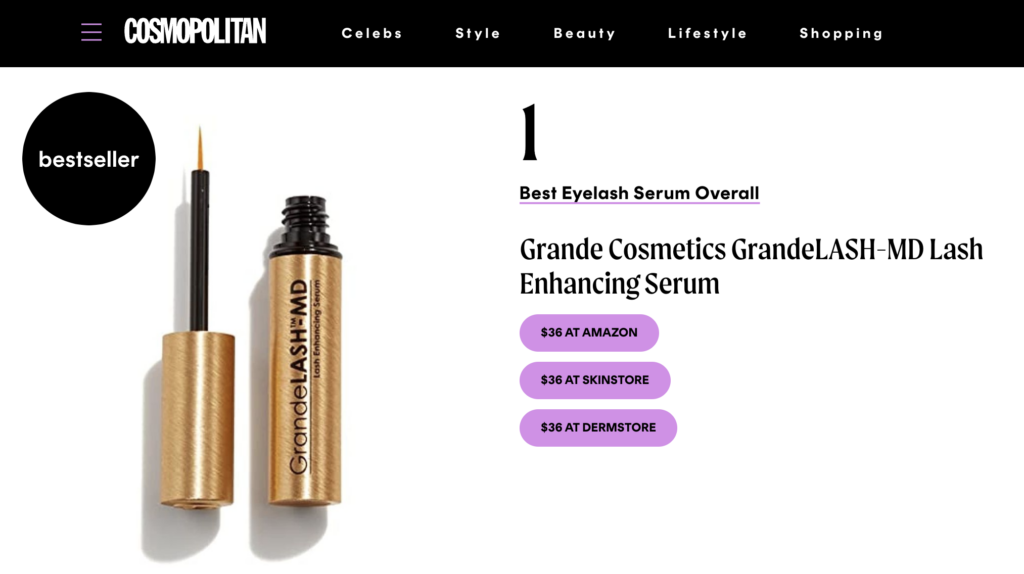
Designs are customizable and you can easily find all of your products and merchants in one place. Create editorial recommendations like ‘Best Buys’, ‘Deals of the Day’ and ‘We Recommend.’
Commerce Product Data API
Automatically retrieve detailed product information (including bar codes), find alternative merchants, update prices and flag out-of-stock products, and enable geolocation.
Sovrn Commerce can automatically scan your site and turn all your existing product links into affiliate links.
You’ll be connected to over 50,000 merchants and optimized to ensure you’re always earning.
Instant links from your browser
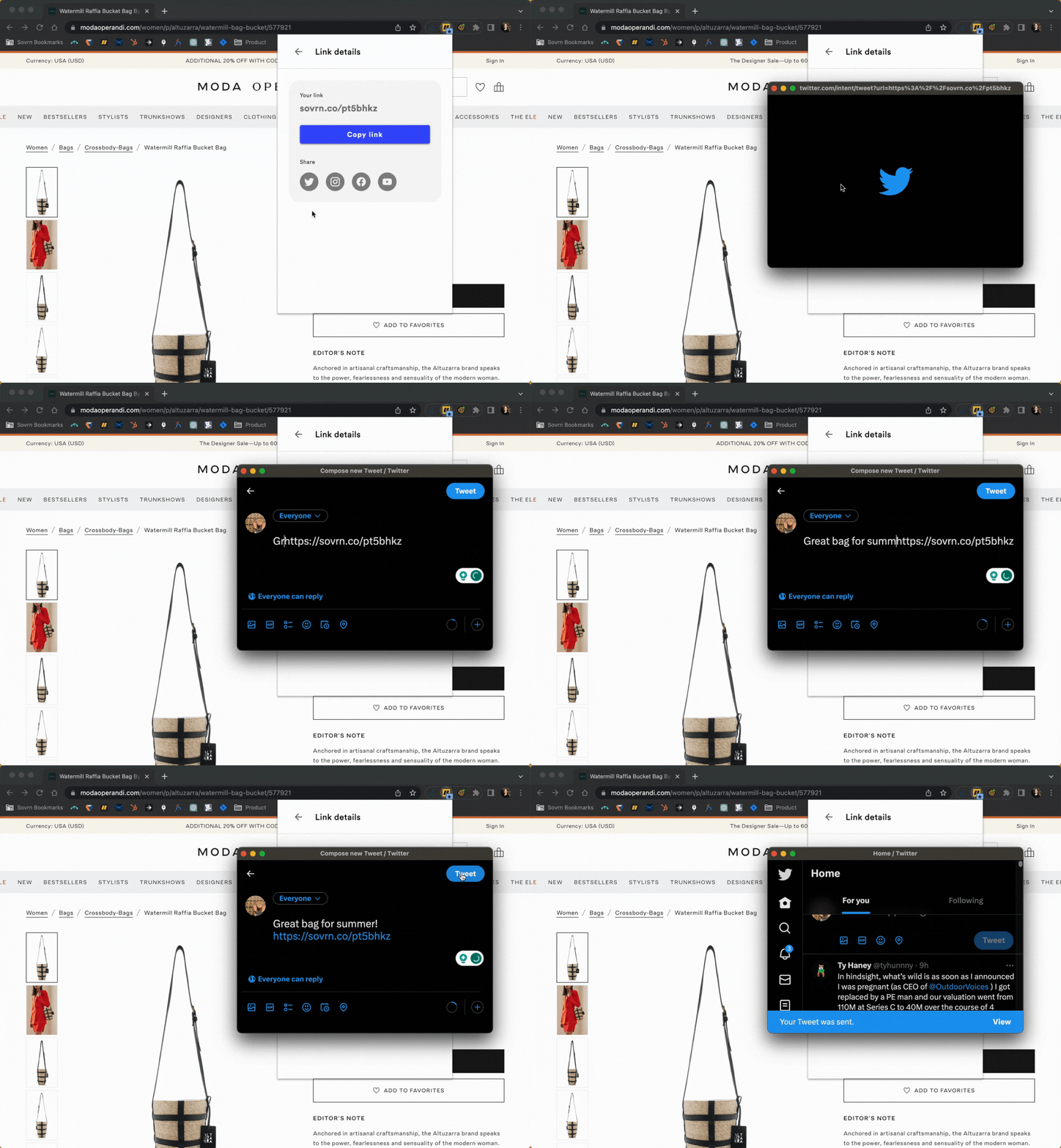
Navigate to any product page and instantly create an affiliate link with the Chrome extension. Then share the link across websites, social, and even emails.
The fastest, easiest way to create affiliate links.
Matt Halfhill, the CEO of Nice Kicks says:
“Sovrn helped us earn more revenue than we ever expected to earn from affiliate marketing. In a few months, affiliate marketing went from being an ancillary form of income to our second biggest revenue stream.”
Real-time insights to drive growth
Optimize content in real time by seeing which pages are driving revenue.
Easily update links
Edit the destination of any link and it automatically updates wherever it’s shared. (Great for social!)
CPA, CPC & sponsored deals
Whether it’s per click or per acquisition, you get paid more no matter the program.
Affiliate Automation at Scale
Learn more about how Sovrn Commerce can grow your affiliate business. See how Commerce boosted Zip’s affiliate links by 600%. Read more →
Affiliate links for social
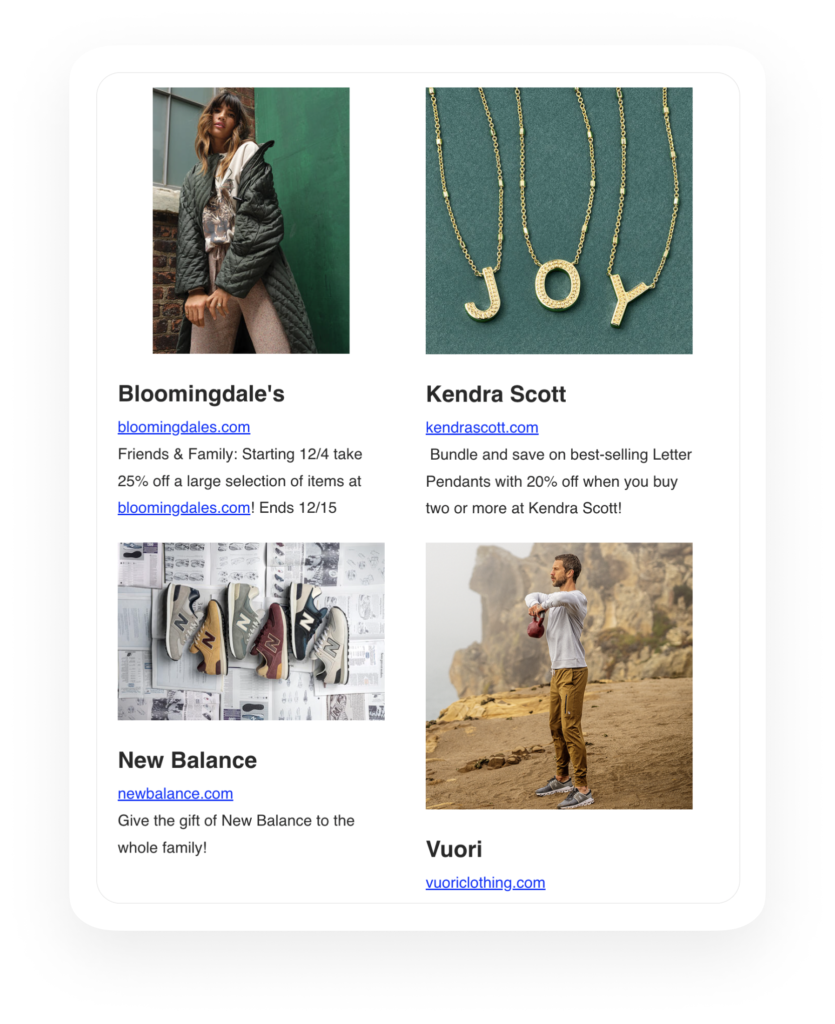
Affiliate marketing works for all kinds of creators. Commerce lets you post affiliate links on your favorite social channels and in your emails. It’s the perfect solution for influencers, editors, and marketers.
Get updates on the latest merchant promotions, key holidays, and top shopping events. Plus our exclusive merchant rates help you earn more all year long!
Commerce Referral Program
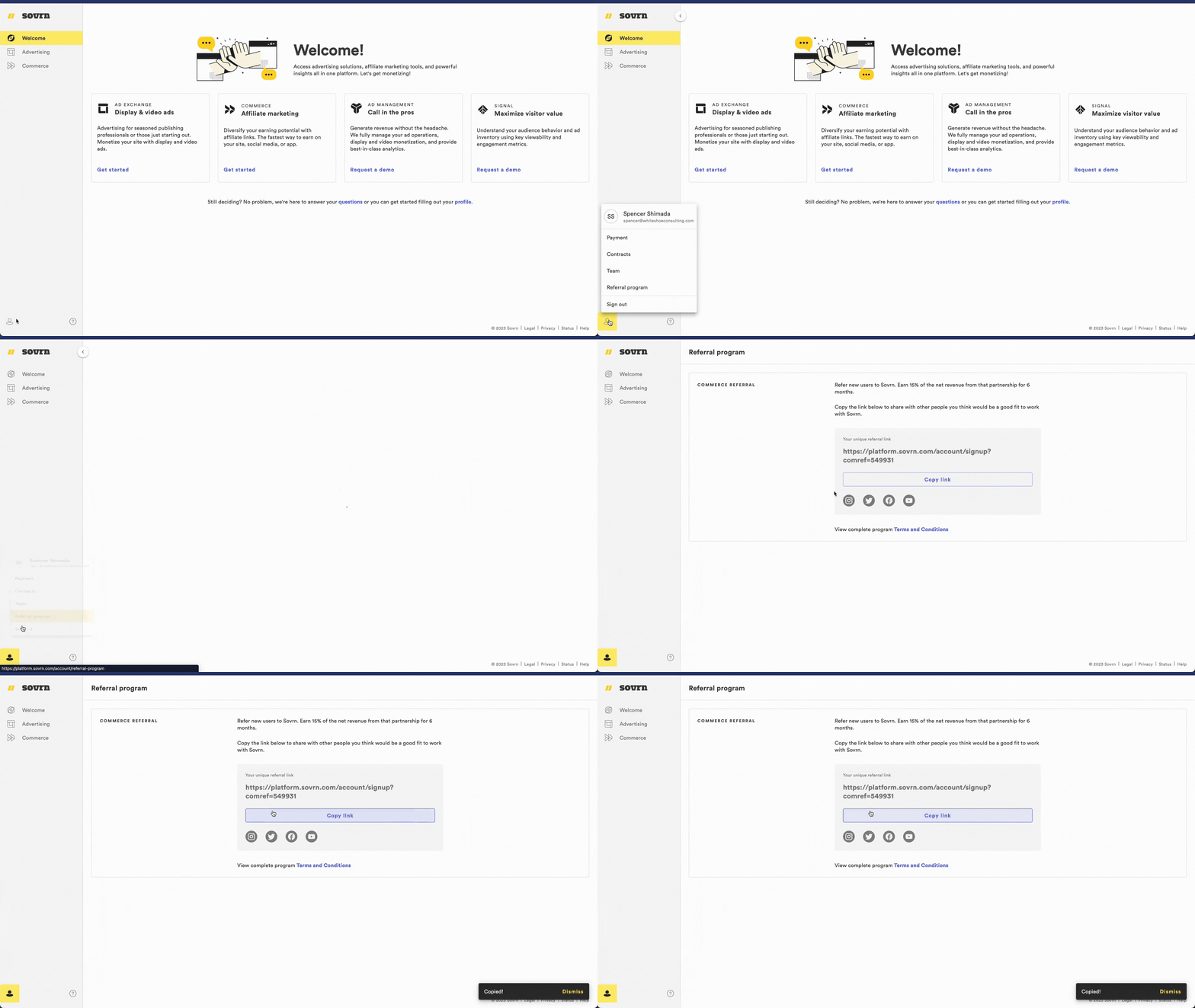
Refer new users to Sovrn Commerce and earn 15% for 6 months. It’s a win win! Simply copy your unique affiliate URL from the dashboard, share with your friends, and once your referral is approved, start earning. Learn more about the referral program.
Log in to Sovrn Commerce to copy your unique referral code.
Learn more about Sovrn Commerce
See how Sovrn Commerce empowers content creators and publishers of all sizes to quickly monetize their content in a simple, scalable, all-in-one solution.
Supercharge your commerce ⚡️
Let’s turn your commerce content – including evergreen product reviews, gift guides and deals – into revenue.
We use cookies on our website to give you the most relevant experience by remembering your preferences and repeat visits. By clicking “Accept”, you consent to the use of ALL the cookies, but may change your preferences by clicking “Cookie settings". For more information, please visit our Privacy Policy.
This website uses cookies to improve your experience while you navigate through the website. Out of these cookies, the cookies that are categorized as necessary are stored on your browser as they are essential for the working of basic functionalities of the website. We also use third-party cookies that help us analyze and understand how you use this website. These cookies will be stored in your browser only with your consent. You also have the option to opt-out of these cookies. But opting out of some of these cookies may have an effect on your browsing experience.
Necessary cookies are absolutely essential for the website to function properly. These cookies ensure basic functionalities and security features of the website, anonymously.
Cookie
Duration
Description
__hssrc
session
This cookie is set by Hubspot whenever it changes the session cookie. The __hssrc cookie set to 1 indicates that the user has restarted the browser, and if the cookie does not exist, it is assumed to be a new session.
cookielawinfo-checkbox-advertisement
1 year
Set by the GDPR Cookie Consent plugin, this cookie is used to record the user consent for the cookies in the "Advertisement" category .
cookielawinfo-checkbox-analytics
11 months
This cookie is set by GDPR Cookie Consent plugin. The cookie is used to store the user consent for the cookies in the category "Analytics".
cookielawinfo-checkbox-functional
11 months
The cookie is set by GDPR cookie consent to record the user consent for the cookies in the category "Functional".
cookielawinfo-checkbox-necessary
11 months
This cookie is set by GDPR Cookie Consent plugin. The cookies is used to store the user consent for the cookies in the category "Necessary".
cookielawinfo-checkbox-others
11 months
This cookie is set by GDPR Cookie Consent plugin. The cookie is used to store the user consent for the cookies in the category "Other.
cookielawinfo-checkbox-performance
11 months
This cookie is set by GDPR Cookie Consent plugin. The cookie is used to store the user consent for the cookies in the category "Performance".
csrftoken
1 year
This cookie is associated with Django web development platform for python. Used to help protect the website against Cross-Site Request Forgery attacks
viewed_cookie_policy
11 months
The cookie is set by the GDPR Cookie Consent plugin and is used to store whether or not user has consented to the use of cookies. It does not store any personal data.
Functional cookies help to perform certain functionalities like sharing the content of the website on social media platforms, collect feedbacks, and other third-party features.
Cookie
Duration
Description
__cf_bm
30 minutes
This cookie, set by Cloudflare, is used to support Cloudflare Bot Management.
__hssc
30 minutes
HubSpot sets this cookie to keep track of sessions and to determine if HubSpot should increment the session number and timestamps in the __hstc cookie.
_auth
1 year
This cookie is set by Pinterest that collects statistical details to track the use of its services.
_pinterest_referrer
past
This cookie is set by Pinterest to track the use of its services.
_pinterest_sess
1 year
This cookie is set by Pinterest that collects statistical details to track the use of its services.
_routing_id
session
This cookie is set by Pinterest that collects statistical details to track the use of its services.
bcookie
2 years
LinkedIn sets this cookie from LinkedIn share buttons and ad tags to recognize browser ID.
lang
session
This cookie is used to store the language preferences of a user to serve up content in that stored language the next time user visit the website.
language
session
This cookie is used to store the language preference of the user.
lidc
1 day
LinkedIn sets the lidc cookie to facilitate data center selection.
sp_landing
1 day
The sp_landing is set by Spotify to implement audio content from Spotify on the website and also registers information on user interaction related to the audio content.
sp_t
1 year
The sp_t cookie is set by Spotify to implement audio content from Spotify on the website and also registers information on user interaction related to the audio content.
Performance cookies are used to understand and analyze the key performance indexes of the website which helps in delivering a better user experience for the visitors.
Analytical cookies are used to understand how visitors interact with the website. These cookies help provide information on metrics the number of visitors, bounce rate, traffic source, etc.
Cookie
Duration
Description
__hstc
1 year 24 days
This is the main cookie set by Hubspot, for tracking visitors. It contains the domain, initial timestamp (first visit), last timestamp (last visit), current timestamp (this visit), and session number (increments for each subsequent session).
_ga
2 years
The _ga cookie, installed by Google Analytics, calculates visitor, session and campaign data and also keeps track of site usage for the site's analytics report. The cookie stores information anonymously and assigns a randomly generated number to recognize unique visitors.
_gat_gtag_UA_52355958_2
1 minute
This cookie is set by Google and is used to distinguish users.
_gcl_au
3 months
Provided by Google Tag Manager to experiment advertisement efficiency of websites using their services.
_gid
1 day
Installed by Google Analytics, _gid cookie stores information on how visitors use a website, while also creating an analytics report of the website's performance. Some of the data that are collected include the number of visitors, their source, and the pages they visit anonymously.
hubspotutk
1 year 24 days
This cookie is used by HubSpot to keep track of the visitors to the website. This cookie is passed to Hubspot on form submission and used when deduplicating contacts.
vuid
2 years
Vimeo installs this cookie to collect tracking information by setting a unique ID to embed videos to the website.
Advertisement cookies are used to provide visitors with relevant ads and marketing campaigns. These cookies track visitors across websites and collect information to provide customized ads.
Cookie
Duration
Description
_mkto_datetime
1 month
This cookie is set by Marketo.
bscookie
2 years
This cookie is a browser ID cookie set by Linked share Buttons and ad tags.
test_cookie
15 minutes
The test_cookie is set by doubleclick.net and is used to determine if the user's browser supports cookies.